
Drag & Drop
How to limit the software functions in guest mode?
In a command room or a workstation shared by several operators, it can be useful to limit certain Drag & Drop capabilities for safer collective use. The goal: prevent an operator from accidentally changing the configuration or moving the software off its screen.
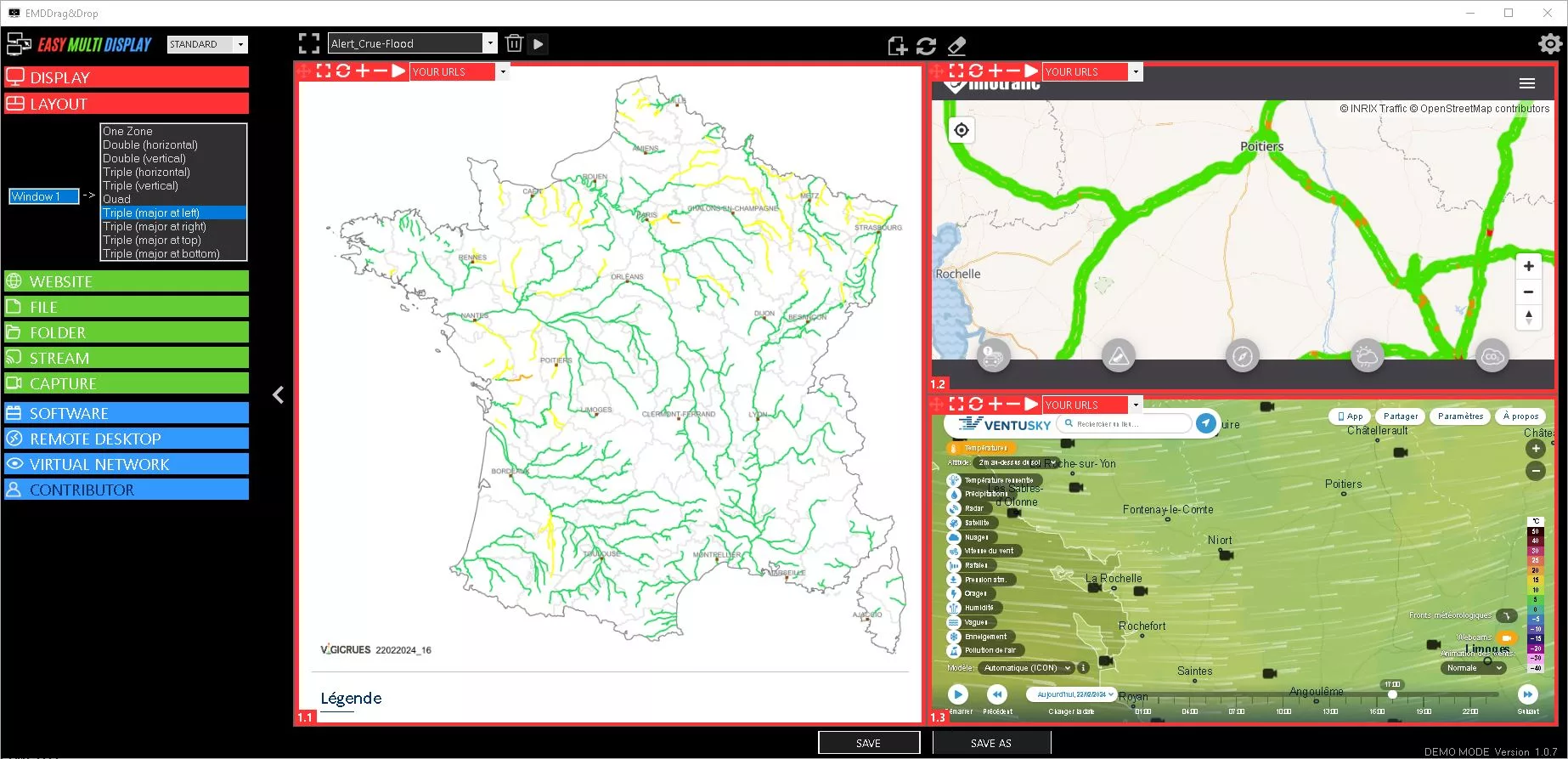

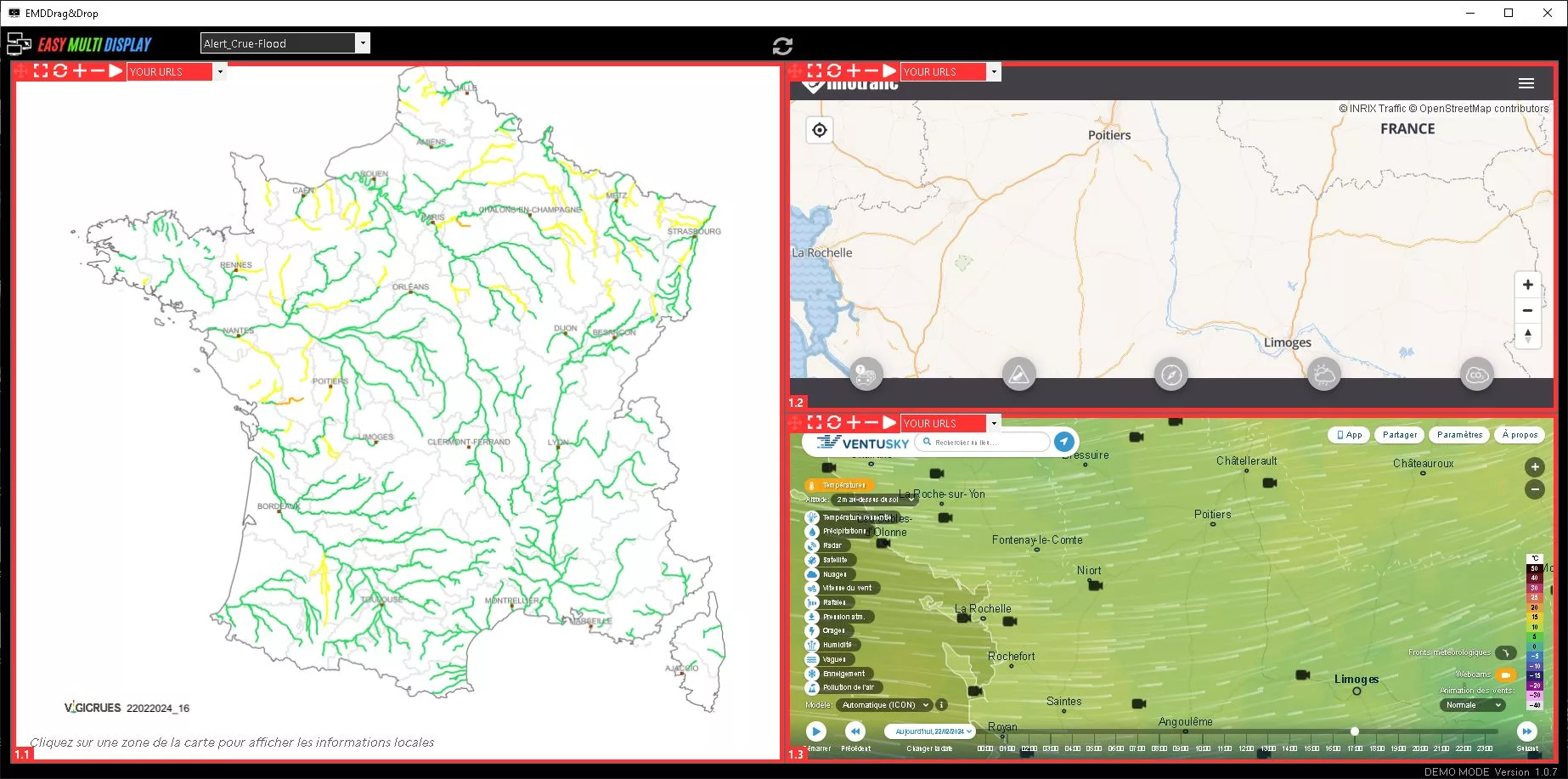
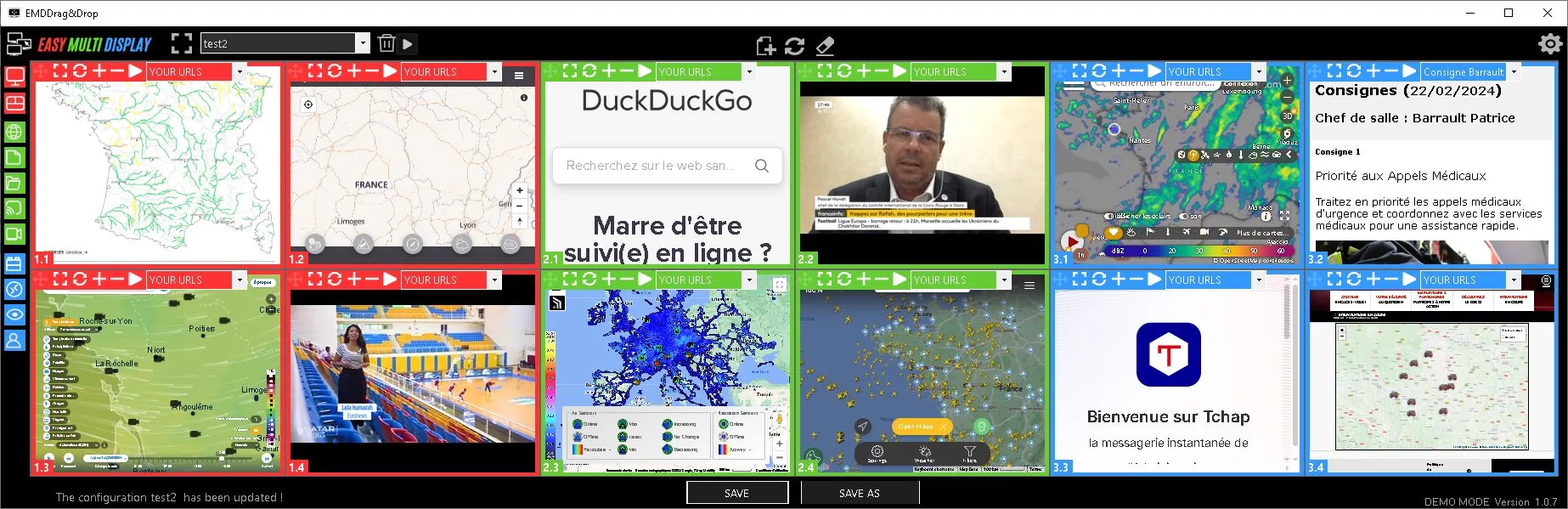
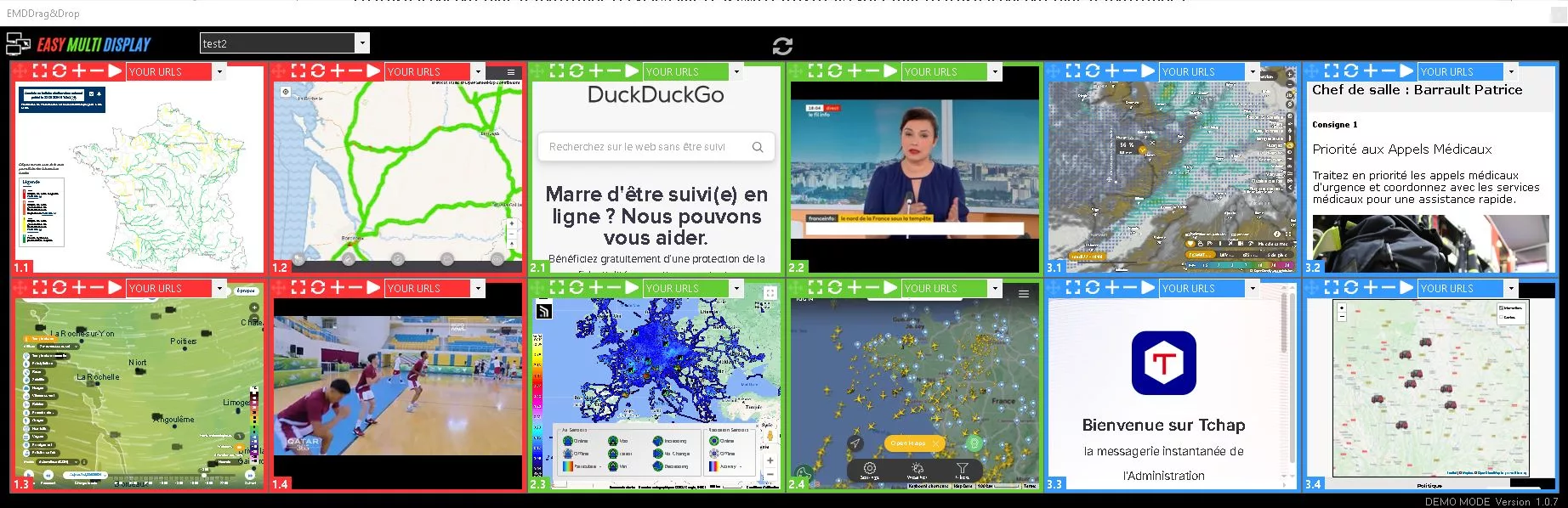
All these limitations are set in the ConfigEMD.xml file, located in the Setting folder of Easy Multi Display. Just change the value of a few tags, then save the file.
Hide the configuration settings
To prevent access to the configuration settings, change the following tag:
<hideparaDD>0</hideparaDD>- 0 = no (the settings stay visible)
- 1 = yes (the settings are hidden)
Hide the media panel
To hide the “media” part of the interface, change the tag:
<hidemediaDD>0</hidemediaDD>- 0 = no (the media stays visible)
- 1 = yes (the media is hidden)
Prevent resizing of the software
To forbid resizing of the software window, change the tag:
<resizeDD>1</resizeDD>- 0 = no (resizing stays possible)
- 1 = yes (resizing is blocked)
When you align three screens horizontally, it is often wise to keep the same proportions as your control platform. This way, the operator can only move their window, without altering its dimensions.
Combine several restrictions
These various options can be freely combined. In the same file, you can enable at the same time:
- hiding the configuration settings;
- hiding the media panel;
- blocking resizing.
Fix the software launch position
The tag below defines the location where Drag & Drop opens at startup:
<lastpositionDD>0;0;0;0;0</lastpositionDD>Each number has a specific role:
- 1st number: 0 or 1. If 0, Drag & Drop launches by default on the main screen; if 1, the software opens according to its last position, with the parameters below.
- 2nd number: x position (horizontal) of the interface.
- 3rd number: y position (vertical) of the interface.
- 4th number: width of the interface.
- 5th number: height of the interface.
By combining these settings, you get a locked “guest” mode: the operator always finds the software in the same place, with the same proportions, and can only act on what is allowed.