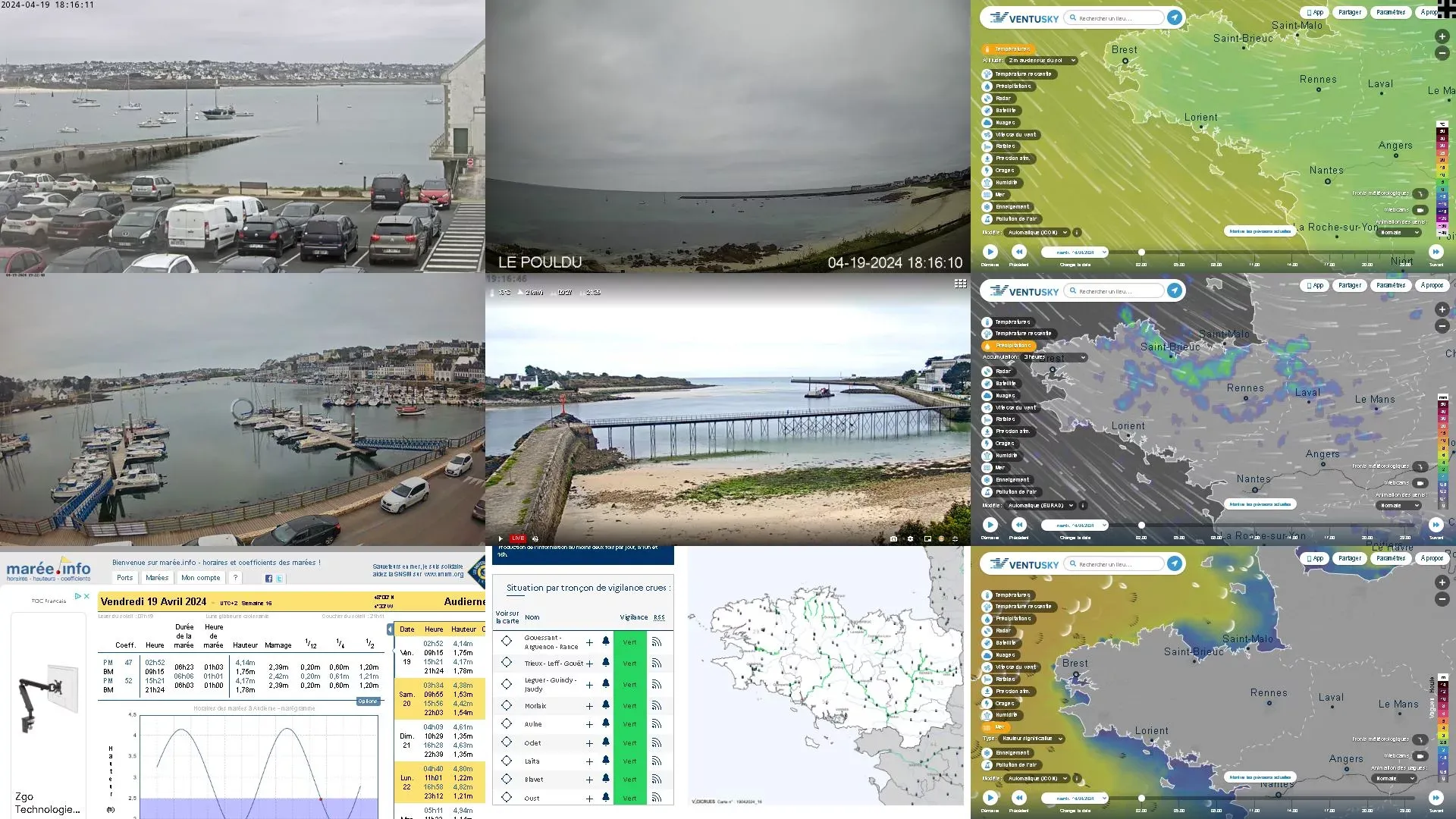
1. Drag your sources
Camera, website, file, stream, capture, software, RDP or VNC: drag it onto the wall.

The core of the EMD suite
Compose any source across 1 to 40 screens, in seconds, with no training. It's the engine that equips the command rooms of the French fire and rescue services (SDIS).
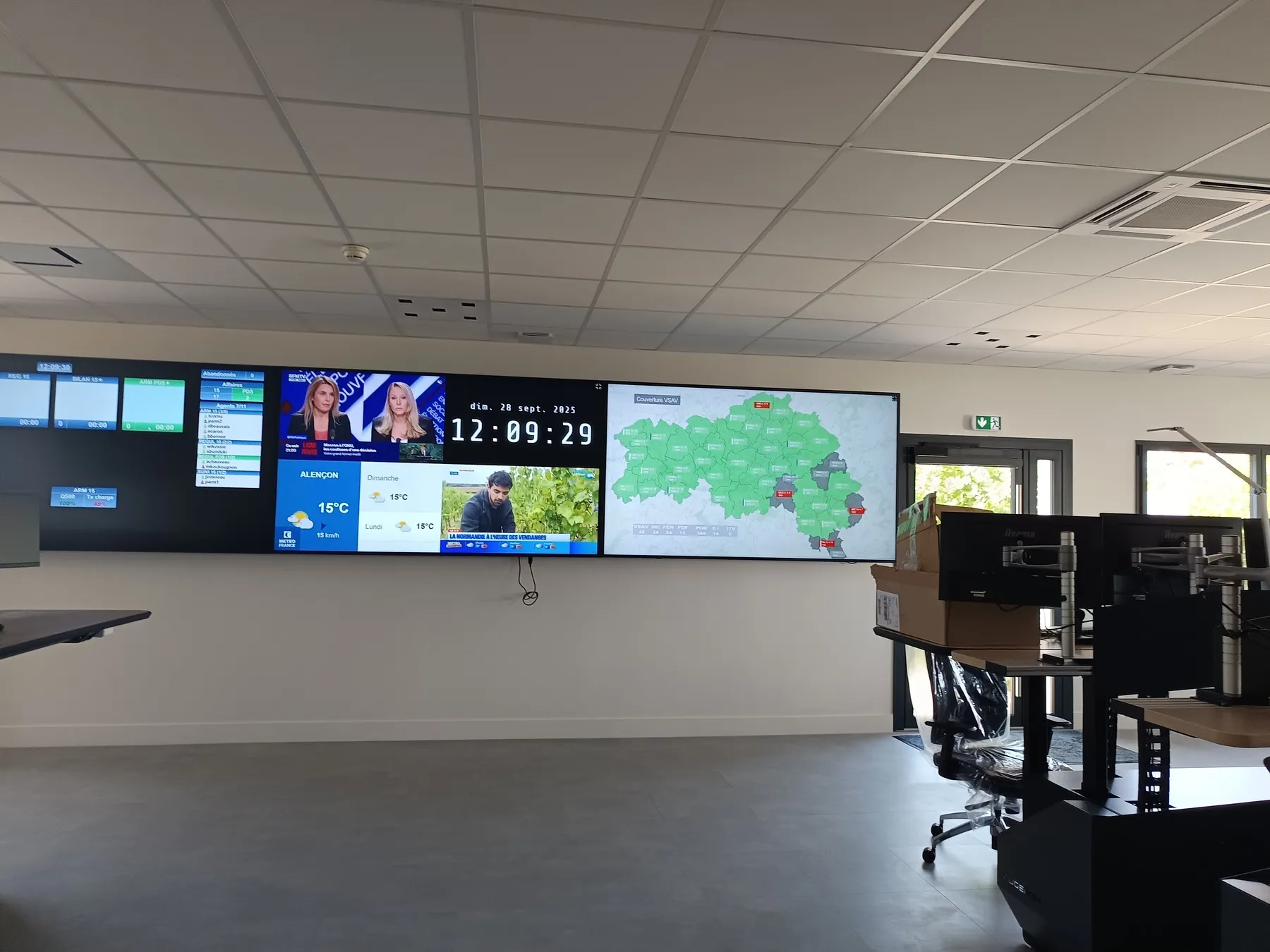
Seen in the field: the Lourdes 2026 control room, two video walls set up in two days for the papal visit.
Three gestures, that's all
Camera, website, file, stream, capture, software, RDP or VNC: drag it onto the wall.
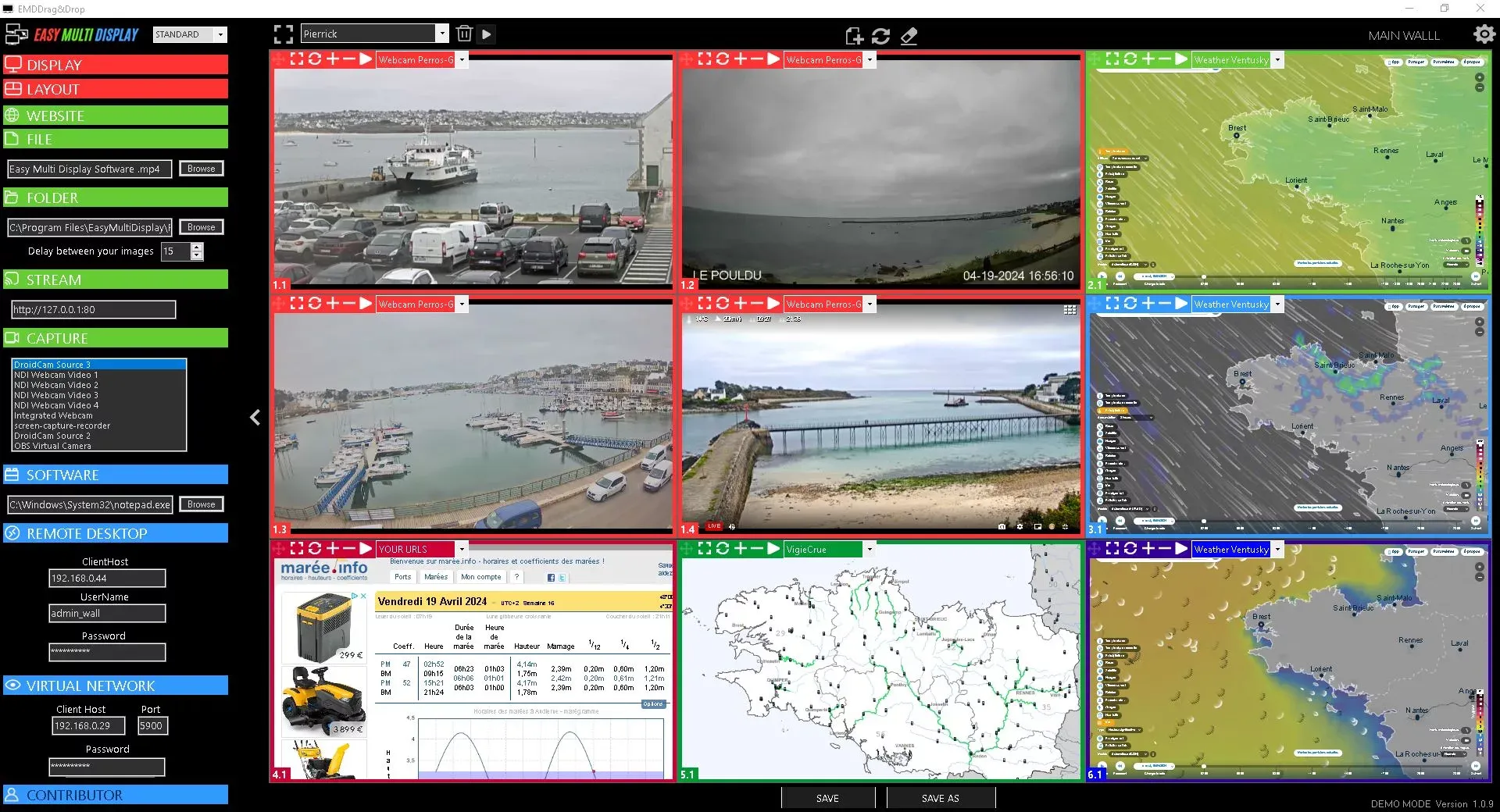
Resize, move, switch to full screen. Up to 24 zones per wall.
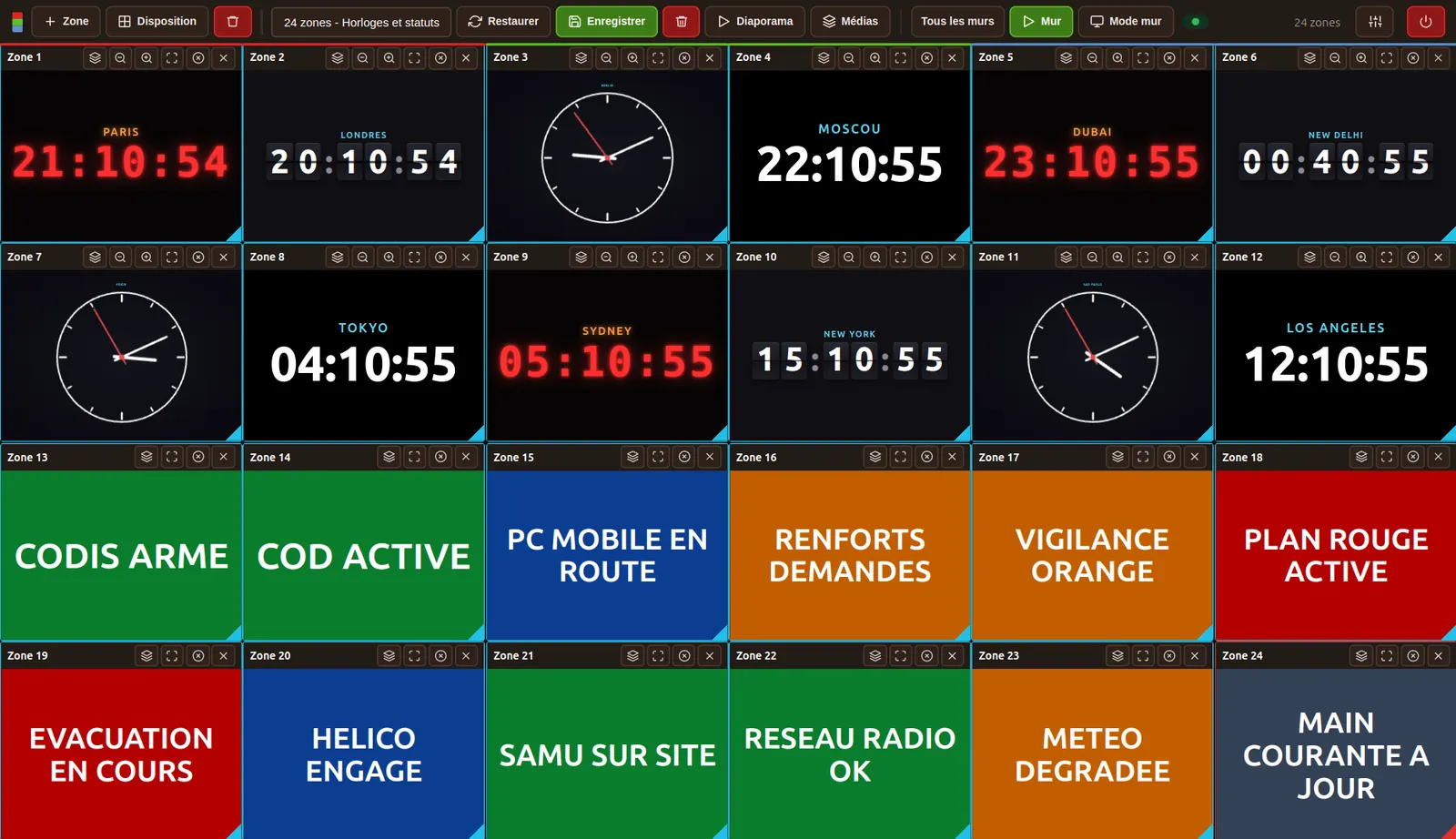
Store the configuration and recall it in one click to match the situation.
Features
The whole interface is driven by mouse or touch. No command line, no training.
Websites and address playlists, files, folders, HDMI captures, RTSP and RTMP streams, ONVIF cameras, RDP and VNC desktops, business software, PDF, clocks, news feeds.
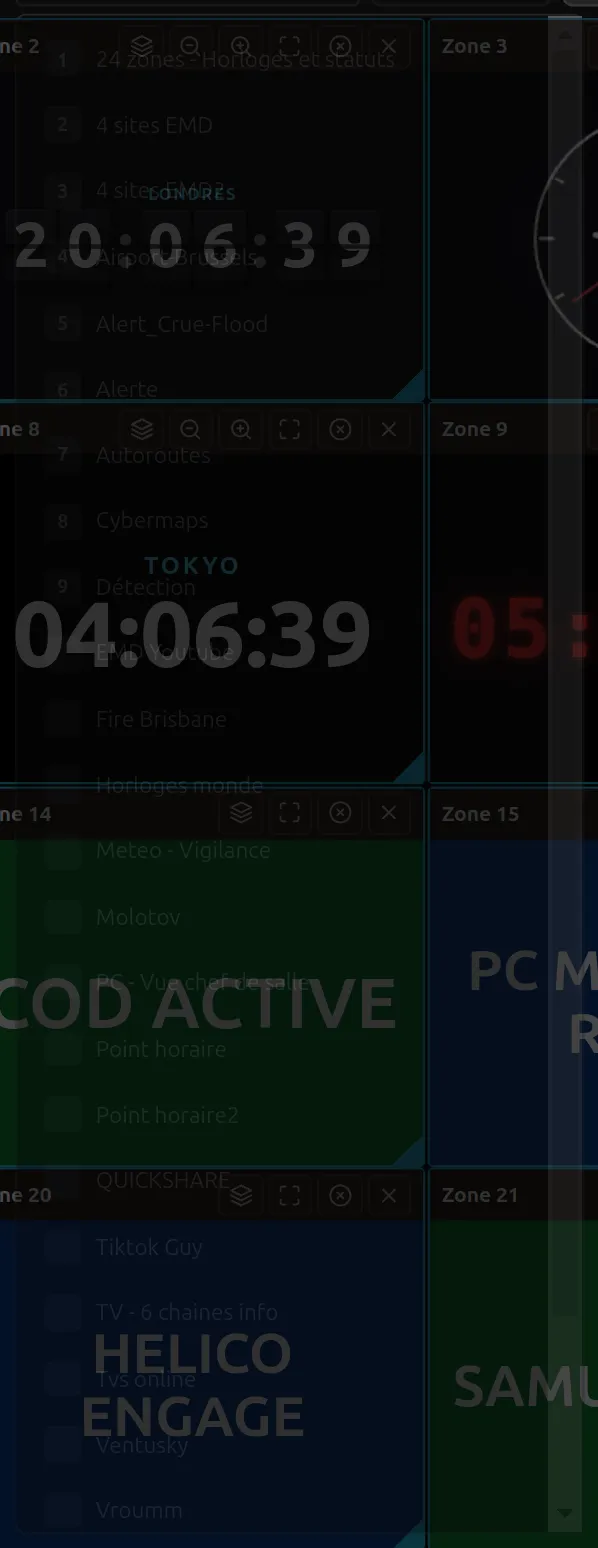
Save your complete configurations and recall them instantly. Eight ready-to-use scenarios ship with the first launch.
A real civil-protection message composer: in three clicks, a clean emergency message, readable from afar, with a live preview before it goes on screen.
A news feed switches on its own to a severity panel as soon as a headline matches your keyword. The display stays locked on the alert for as long as it lasts.
On cameras and RTSP/RTMP streams, an adjustable buffer absorbs the network micro-dropouts without losing the picture.
Drive the wall from another workstation, a tablet or a Stream Deck. Each key recalls a scenario.
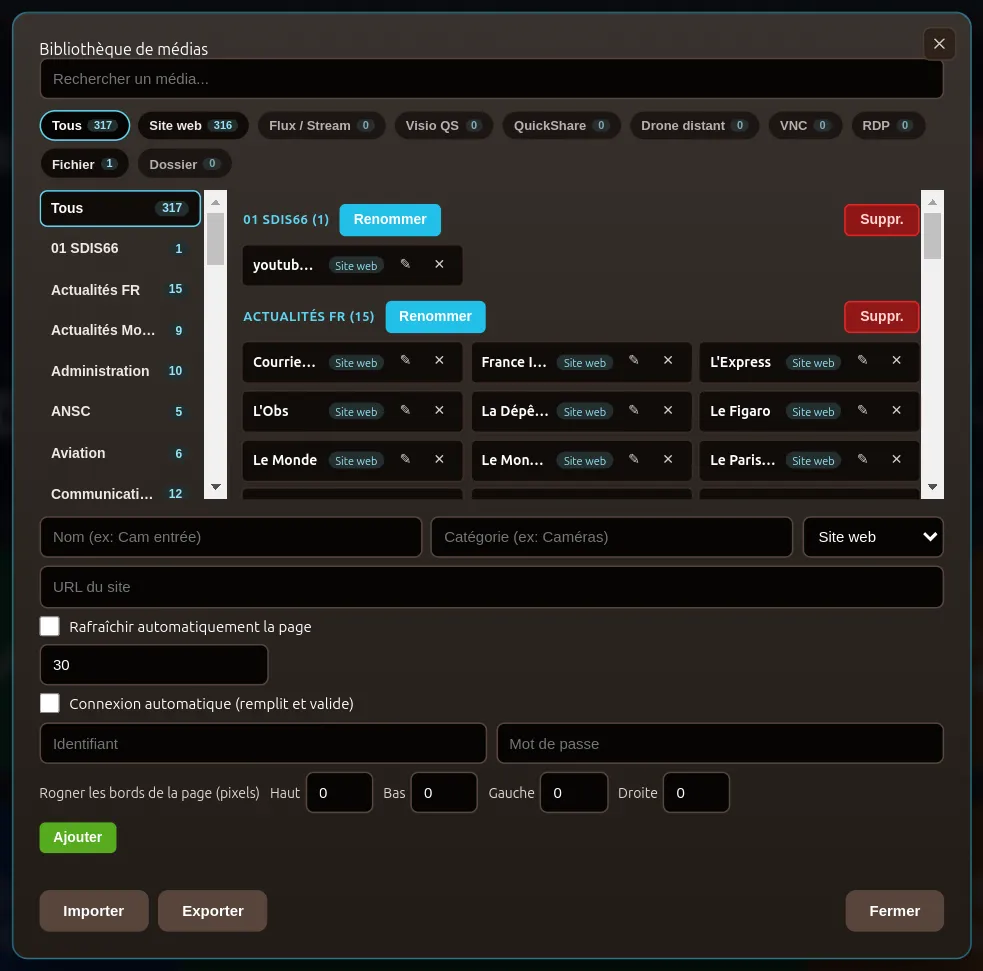
Your cameras, sites, streams and video rooms saved once, ready in one click in every zone, with no address to retype.
Up to 10 walls driven from a single workstation, one administrator account and three operators with separate rights.
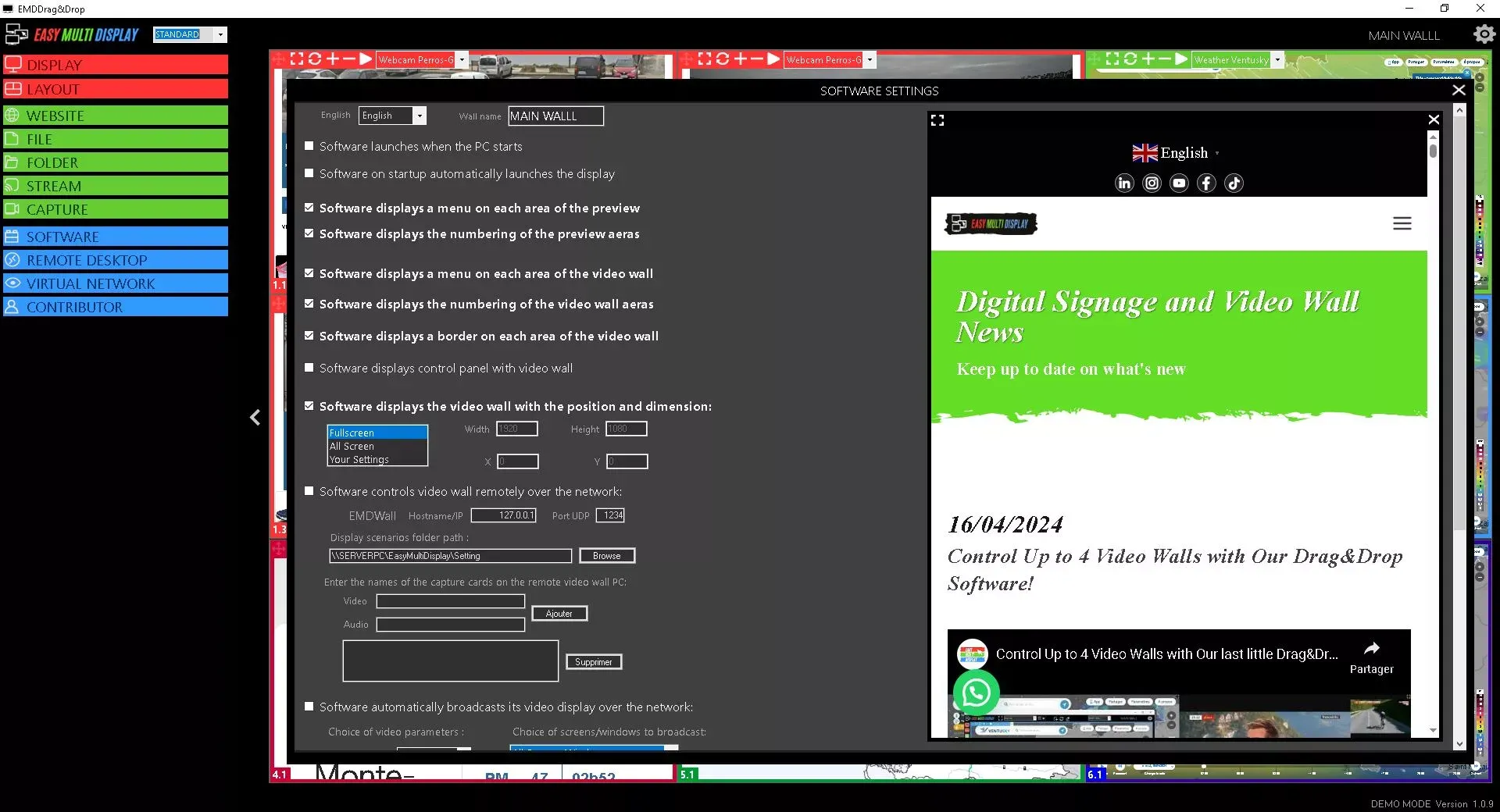
The interface, for real


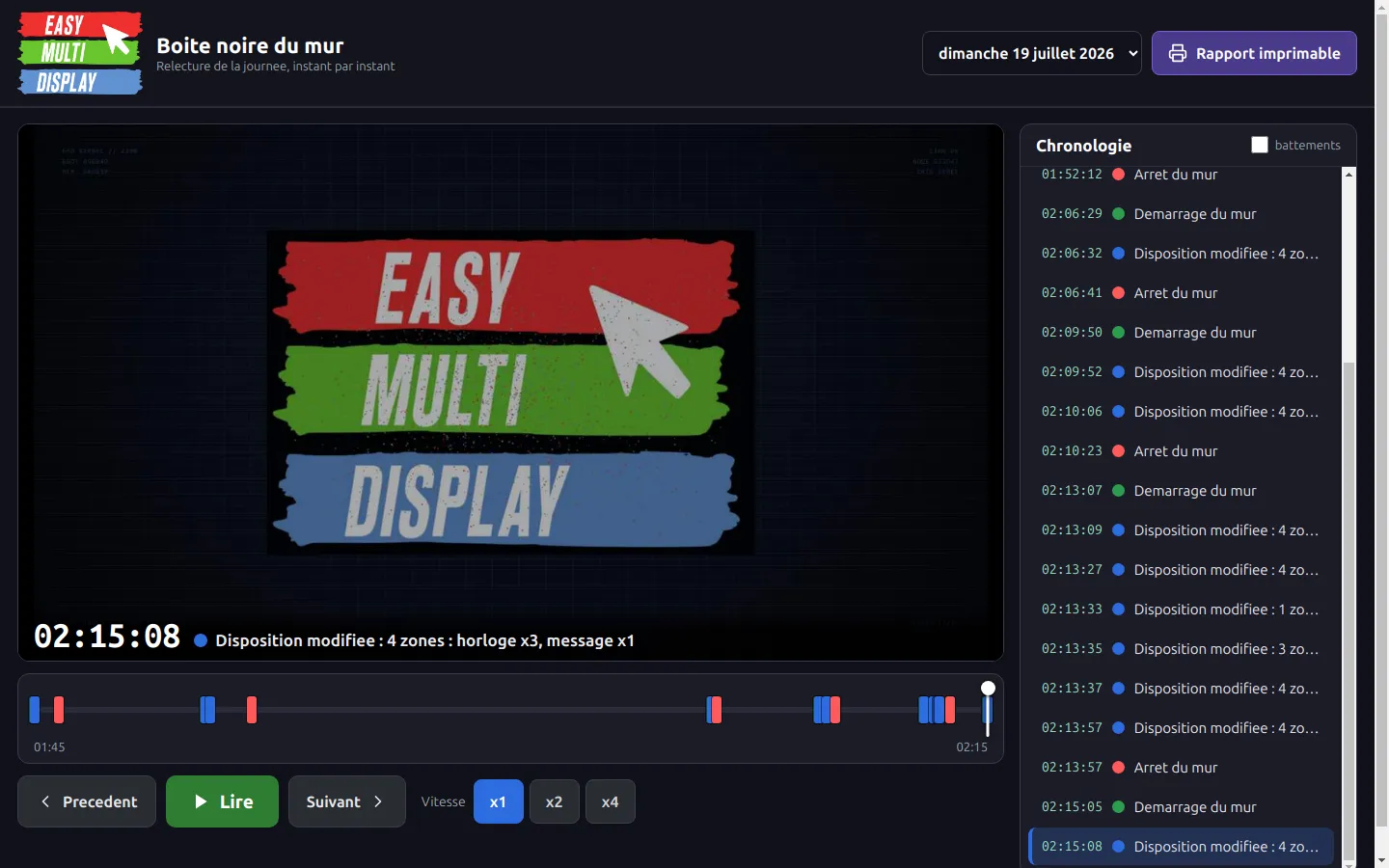


The black box
Drag & Drop records the wall footage: a snapshot at every change of display, plus the event log - scenarios applied, layout changes, start-ups and shutdowns. The after-action review is no longer a reconstruction from memory: you replay the day and you see who displayed what, and at what time.
The alert composer
The Message source is not a notepad: it is a real civil-protection message composer. Settings on the left, the live preview on the right - every change is seen immediately before it is shown on the wall. Enough to post an instruction readable from afar without preparing anything in advance.
Drive it remotely
The wall opens at http://<workstation-IP>:5000/: from any
workstation, tablet or phone on the network, a browser is enough, nothing to install. And
to go further, a REST API on the same port lets a supervision system, an automation
controller, a script or a voice assistant drive the wall - the documentation is provided
by the software itself.
Pricing
Control
€1,911 excl. VAT
Add-on modules: Contributor, Multi-Wall, Scenario Panorama, WebManager, on-site training.
Free trial
Portable or installable version for Windows, digitally signed, with no administrator rights and without changing anything on your system. The software runs in sessions that you relaunch as many times as needed, with no expiry date. Launch it, it's ready.
Frequently asked questions
What operators and IT departments ask us before putting the software in front of a video wall.
Drag & Drop is the software that drives a video wall from a Windows PC: you drag a source (camera, map, web page, business application) onto a representation of the wall and it appears on screen. It is the core of the Easy Multi Display suite, the one every other module builds on.
Drag & Drop composes up to 24 zones per wall (6 windows of 4 zones) and drives up to 10 walls from a single workstation. Multiplying the two gives a theoretical maximum that is not reached in practice: it is the power of the machine and the type of sources that set the real limit, some sources being too heavy to be multiplied. The number of screens goes from 1 to 40 straight out of the graphics cards, and more with video wall controllers. Every zone can be moved, resized and switched to full screen with a mouse or a finger. Windows and Linux behave the same way.
Eight types of source: web pages, files, image folders, network video streams, HDMI capture through acquisition cards, software installed on the machine (PowerPoint, Excel, PDF, business applications), remote RDP desktops and VNC sessions. A business application is not merely mirrored: EMD launches it and places it in the zone you want.
Easy Multi Display is a software publisher, not a controller manufacturer. Unlike proprietary hardware solutions, where the wall depends on a specific box that must be replaced to evolve, EMD installs on a standard Windows PC and drives off-the-shelf capture cards. The hardware stays interchangeable, the software stays yours.
No. The whole interface works by drag and drop, with a mouse or by touch: no command line, no configuration language, no administration console. An operator composes their first wall in minutes. That is a deliberate choice: our users are control room staff, often under emergency pressure, not audiovisual integrators.
Every complete wall layout is saved as a scenario and recalled with one click. A control room can prepare a "wildfire" scenario, a "flooding" scenario and a "routine watch" scenario, then switch between them instantly when the situation changes, instead of rebuilding the wall under pressure.
No. Once installed under licence, Drag & Drop runs entirely locally, on the machine that drives the wall: it sends no data out, requires no remote account, and keeps working if the network or the internet link goes down, which is precisely when a crisis room needs it. Only the trial version measures its usage, to track evaluations. Sovereignty here is structural, not an option.
Drag & Drop runs on Windows 10 and 11 in 64-bit, and on Linux on both x64 and ARM: Ubuntu 20.04 or later, down to a Raspberry Pi 5. Same software, same features. The portable Windows version requires no administrator rights and modifies no system file: it runs from a folder and disappears when that folder is deleted.
Yes. The EMD remote drives the wall from another workstation on the local network, a tablet or a Stream Deck, without occupying the wall PC. The WebManager module adds control from an ordinary browser, and Scenario Panorama offers visual touch control of scenarios for rooms where operators stay on their feet.
Yes, with no bespoke development. Business applications (emergency dispatch systems, mapping, hypervisors, video surveillance) appear like any other source: through HDMI capture, a network stream, a remote desktop, or by launching the software directly inside a zone. No gateway to commission, no dependency on a third-party API.
Try it for free, or request a demonstration tailored to your room.