
Drag & Drop
How to display a drone's video in Easy Multi Display?
Do you want to bring a drone’s video feed flying over an incident back to the command room? With Easy Multi Display, it is possible in just a few minutes, without any complicated setup. All you need is a small WiFi receiver designed for FPV video, and you are done.
What is a drone’s FPV video?
Most recent drones include an FPV feature (First Person View). This feature broadcasts live the image captured by the drone’s camera, as if you were at the controls. It is this video signal that we are going to capture in order to display it on your video wall.
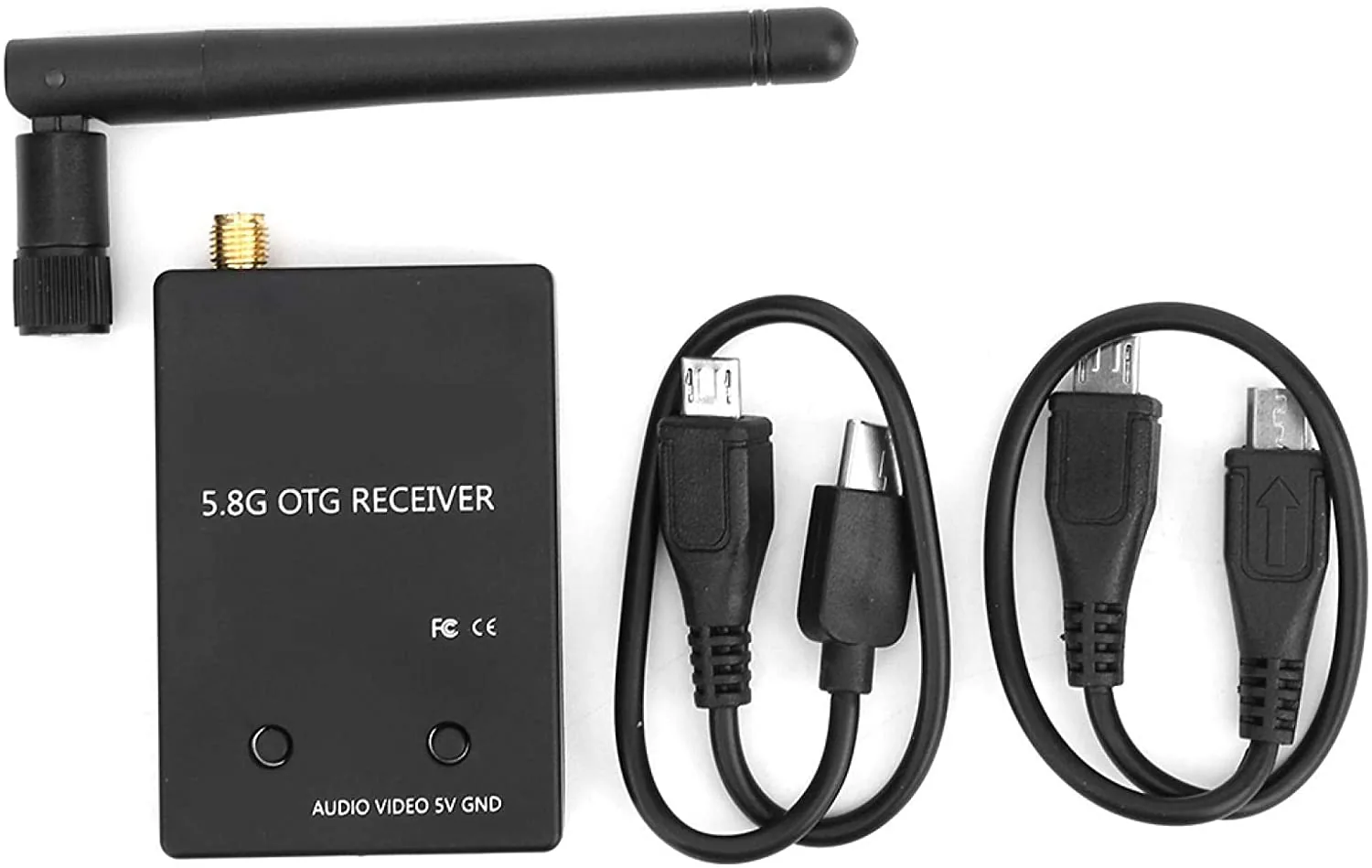
The required equipment: a FPV WiFi receiver
To capture the drone’s signal, you need a WiFi receiver dedicated to the FPV feature. This type of device picks up the video signal (and audio) sent by the vast majority of drones equipped with an FPV feature.
Good news on the budget side: this kind of FPV receiver costs around 40 EUR from online retailers. A very modest investment to have a real-time aerial video source.
The steps to display the drone’s feed
The connection is deliberately simple, designed to be carried out by an operator without any particular technical skills.
- Plug the FPV WiFi receiver into the PC through a USB port.
- Easy Multi Display automatically recognises the receiver as a webcam, without any complex setting.
- You then capture the drone’s video in real time and display it on your image wall.
A video source compatible with most drones
Since the FPV feature is present on the vast majority of drones on the market, this method works with a wide range of models. You are therefore not dependent on a particular brand or model: as soon as the drone broadcasts a FPV signal, the WiFi receiver can capture it and Easy Multi Display can display it.
In short, for a very low cost and without any technical handling, you turn any FPV drone into a video source that can be used directly on your video wall, a valuable asset for following an incident from the sky in the command room.